We just got back from a week-long Arizona adventure and spoiler alert… it was AWESOME. Like how-is-this-real-and-not-a-movie-set kinda awesome. Since I basically maxed out my iphone with photos, I decided to break it up into a three-part series. This week, I’ll be sharing all the details on our stops at the Grand Canyon, Sedona, and Prescott – what we did, what we ate, what was totally worth it, and some of my favorite tips if you’re planning a similar trip!
To keep it all straight, here the schedule we ended with for our week:
- Day 0: Travel day to Arizona
- Day 1: Grand Canyon
- Day 2: Prescott
- Day 3: Sedona
- Day 4: Prescott (Easter)
- Day 5: Sedona
- Day 6: Scottsdale and travel back home
In order to keep it condensed and most helpful for blog posts, I combined the days for each location-based blog post. That way, if you are using the posts for travel inspiration you’ll have everything easily organized. Here are the links to all three posts, so feel free to bookmark this page if you’d like:
- Arizona Family Adventure Part 1: Exploring the Grand Canyon, Southern Rim (this post)
- Arizona Family Adventure Part 2: Sedona’s Best Views, Shops and Quick Hikes
- Arizona Family Adventure Part 3: Laid-Back Days and Hidden Gems in Prescott
Day 0: Travel day to Arizona
For our Arizona adventure, we flew into Phoenix. Once we arrived at the airport, we picked up our rental car (we love TURO for rentals), grabbed a quick bite at a drive-thru, and hit the road for Prescott. The drive took a little under 2 hours, so by time we arrived at our home base for the week, we were tired from a day of work + a 5 hour plane ride + a 2 hour drive… so we pretty much went right to bed.
Day 1: Grand Canyon
Our original plan was to spend our first day exploring Prescott, but I moved around our plans based on the weather at each of our destinations. It was calling for rain/fog a little later in the week, so to be safe we decided to visit the Grand Canyon on our first day, since the weather was supposed to be sunny and beautiful.
We didn’t rush it though. Instead we woke up early (Maryland has a 3-hour time difference from Prescott, AZ, so 9am for them is 6am for our brains), hit a local donut shop for breakfast (more on that in our Prescott post) and also did a shopping trip at a local Trader Joe’s for snacks.
The drive from our house in Prescott to the Grand Canyon Southern Rim, Desert View entrance took about 2 hours and 45 minutes. It would have been quicker to have driven to the Grand Canyon Southern Rim main entrance, so if time is a priority you can go that route.
I chose the Desert View entrance for a few reasons:
- My research said that it was less crowded and had the best views on the Southern Rim.
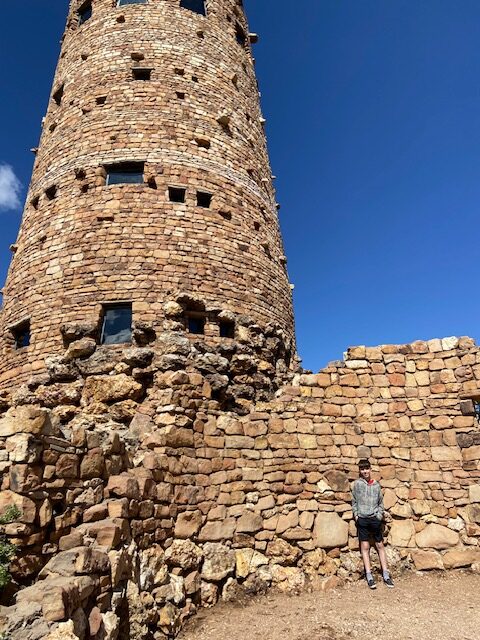
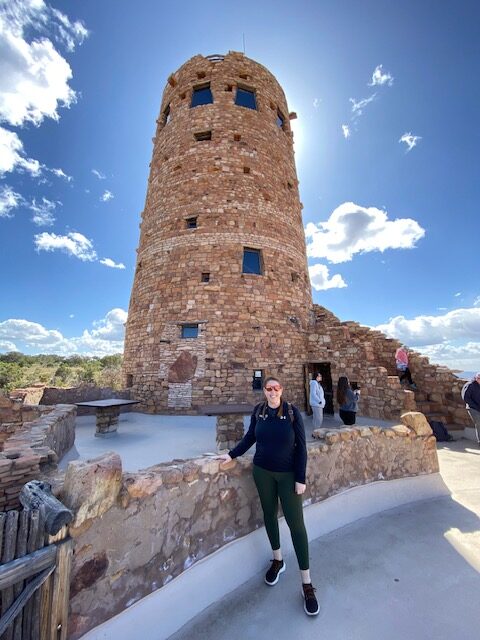
- The Desert View entrance has a big parking lot (less likely to be full), a visitor center with bathrooms and information, AND the watchtower.
- Visitors are able to wait in a special line for watchtower passes and 35 people are allowed to go up at a time. The passes are totally free, it’s just their way of making sure you get a less crowded and more pleasant experience.
- By driving past all the viewing points, we were able to get our first view of the Grand Canyon at the Desert View Watchtower, and then pull off to the right at all the viewing spots on our way back, which kept us from crossing traffic time and time again to get over to the left hand side of the road.
We already owned an America the Beautiful Annual Pass from our November vacation, but if you don’t have one you will need to purchase a pass or pay to enter the Grand Canyon area. The cost for admission to Grand Canyon National park for 7 days is $20 – $35 depending on your vehicle.
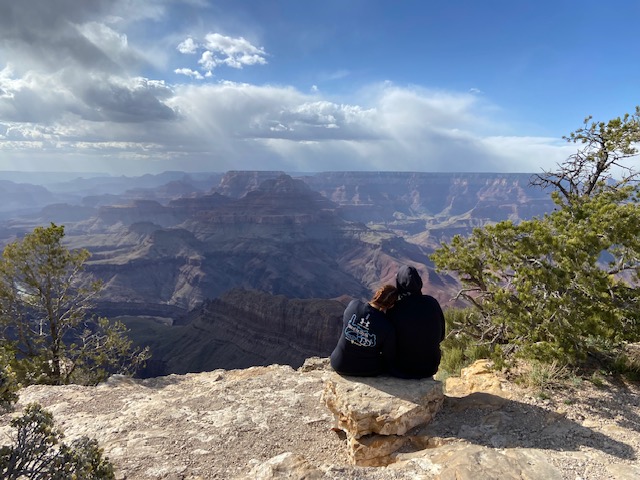
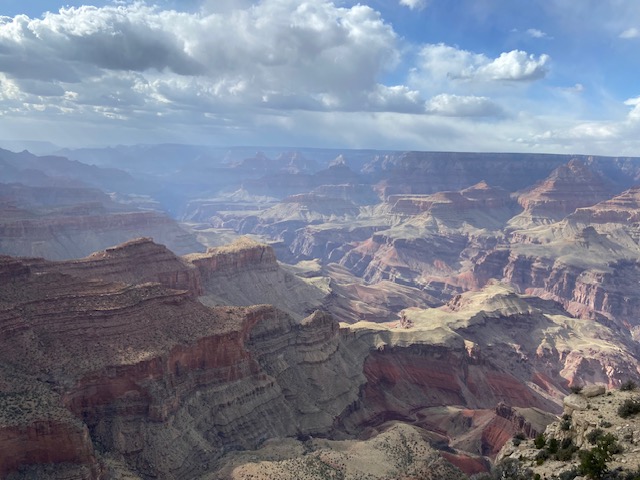
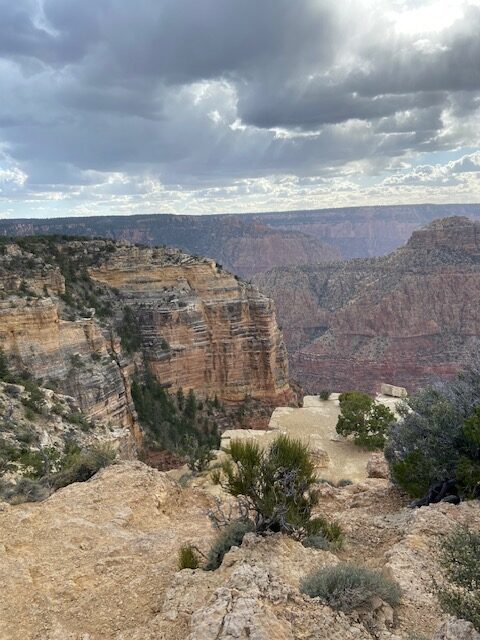
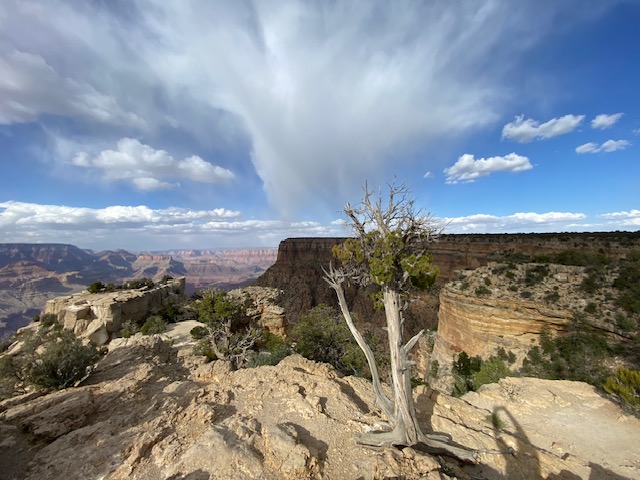
So, as planned, our first stop was the Desert View overlook, followed by a trip up to the Desert View Watchtower. From there, we stopped for ice cream at the visitor center, then hopped back in the car to stop at each overlook on our ride back: Navajo Point, Lipan Point, Moran Point and Grandview Point.
The parking areas for each point are pretty close to the overlooks, so if you have a kid who is sick of staring at a 277-mile-long natural wonder, you can leave them in the car to play with their video games. For the grown-ups though, you’ll want to jump out at every stop because it is mind blowing, flabbergasting, and absolutely incredible to see.
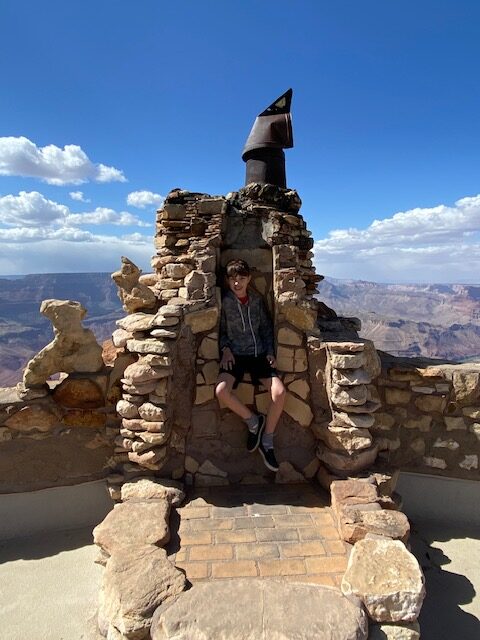
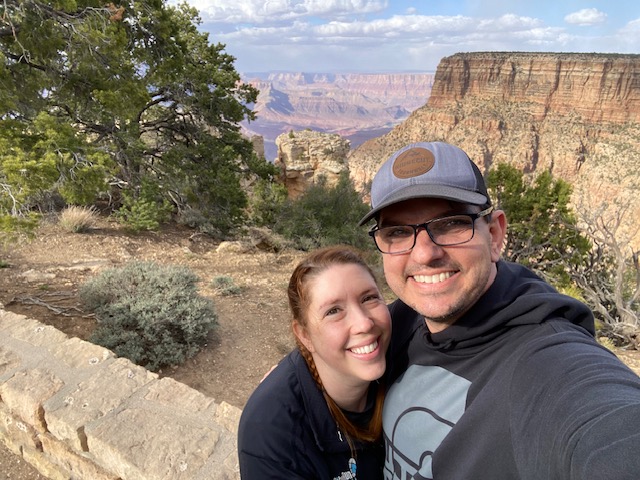
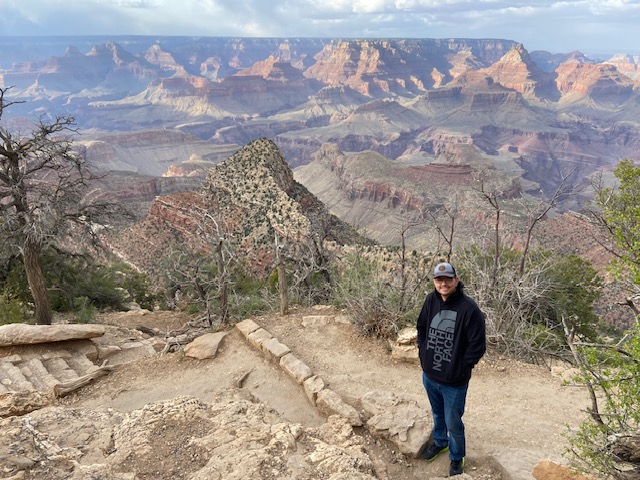
Seeing the Grand Canyon was a ‘bucket list’ item for my husband and he thought it was 1000% worth it. For me, I was less passionate about the idea of staring at a big hole in the ground but I was truly in AWE of it. Jack thought it was cool, but also thought we were very dorky to be so excited about seeing it. So yeah, typical 13-year-old. He let me take a bunch of photos of him though, so I’ll consider that a win.
Family Travel Tips for the Grand Canyon:
- Pack car chargers for your phones and any games your kids may want to play. However, there are lots of dead spots, so make sure to grab a map at the entrance. With that in mind, it’s pretty hard to get lost, as the road just goes out and back.
- Pack snacks or even a whole picnic lunch. We stopped in the little town before the Southern Rim to grab some lunch and it was just fine (and overpriced). Avoid that if possible.
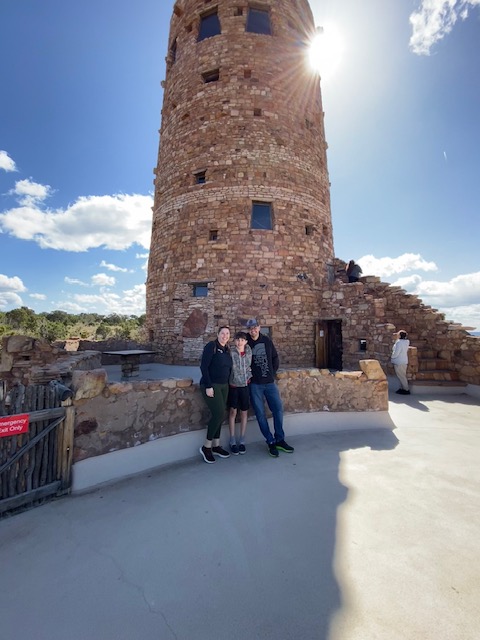
- Ask a random tourist to take your family’s photo so you can all be in the picture. Then, be sure to ask if they’d like a family picture too.
According to the timestamps on my photos, we entered the Southern Rim at 1:00pm and left at almost 6:00pm. The 5 hours was a good amount of time to enjoy the Desert Watchtower, visitors center, and all the overlook points. We did not do any hikes on this visit, as it was getting quite windy and there was even some graupel coming down toward the end of our day. So, if you’d like to do hikes be sure to allot some extra time.
We decided to drive directly back to Prescott, bypassing Flagstaff, and ate at a local restaurant called Red White Brew. Their food was excellent and the servings were so huge we all had lunch for the next day. More on food in the Prescott post!
Here are all our amazing Grand Canyon photos. Stop back tomorrow for Arizona Family Adventure Part 2: Sedona’s Best Views, Shops and Quick Hikes!